Need to make changes to your profile? See these instructions below to get started!
- After logging in, click on the icon in the top right corner and select Profile.
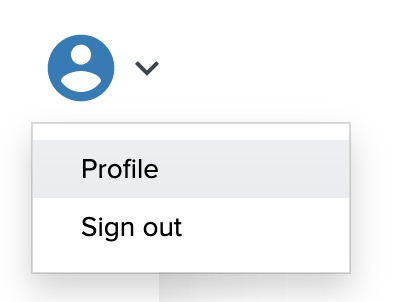
- On the subsequent Profile page, scroll down and click on the Edit button.
- Make changes to any fields in the profile; click the Save button to finalize those changes.