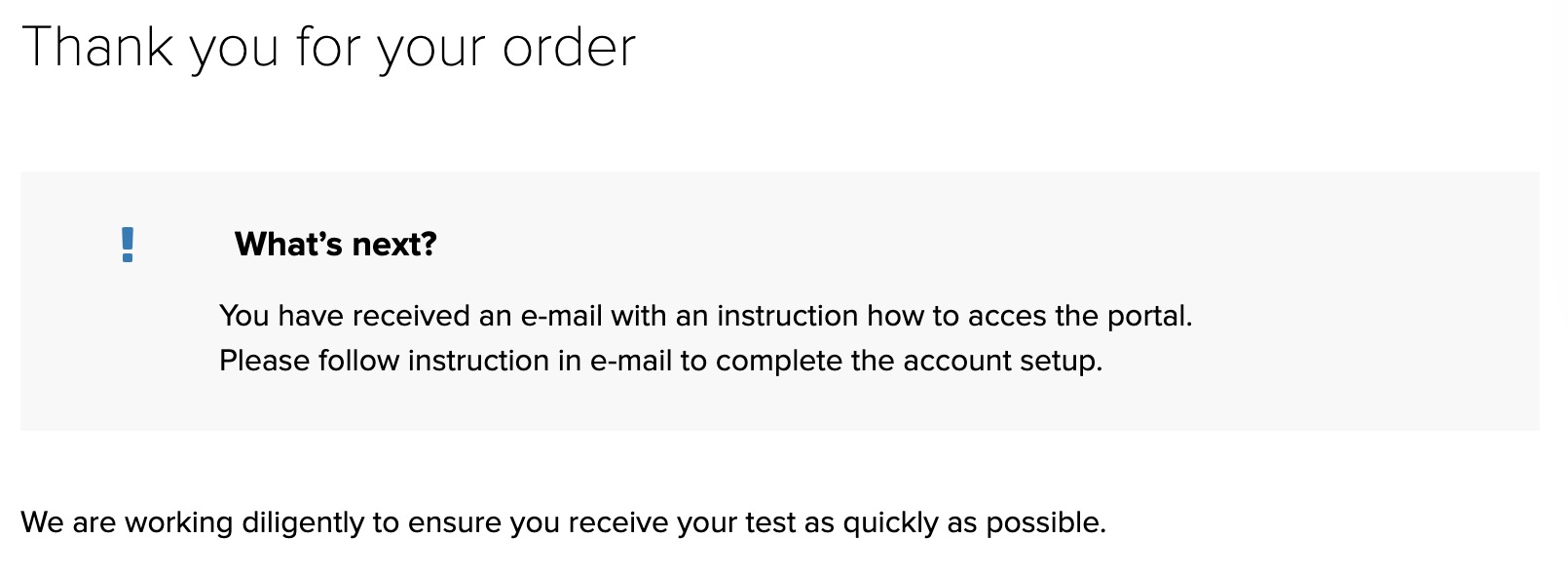
Activating your account is easy! There are only a few steps and details are provided below.
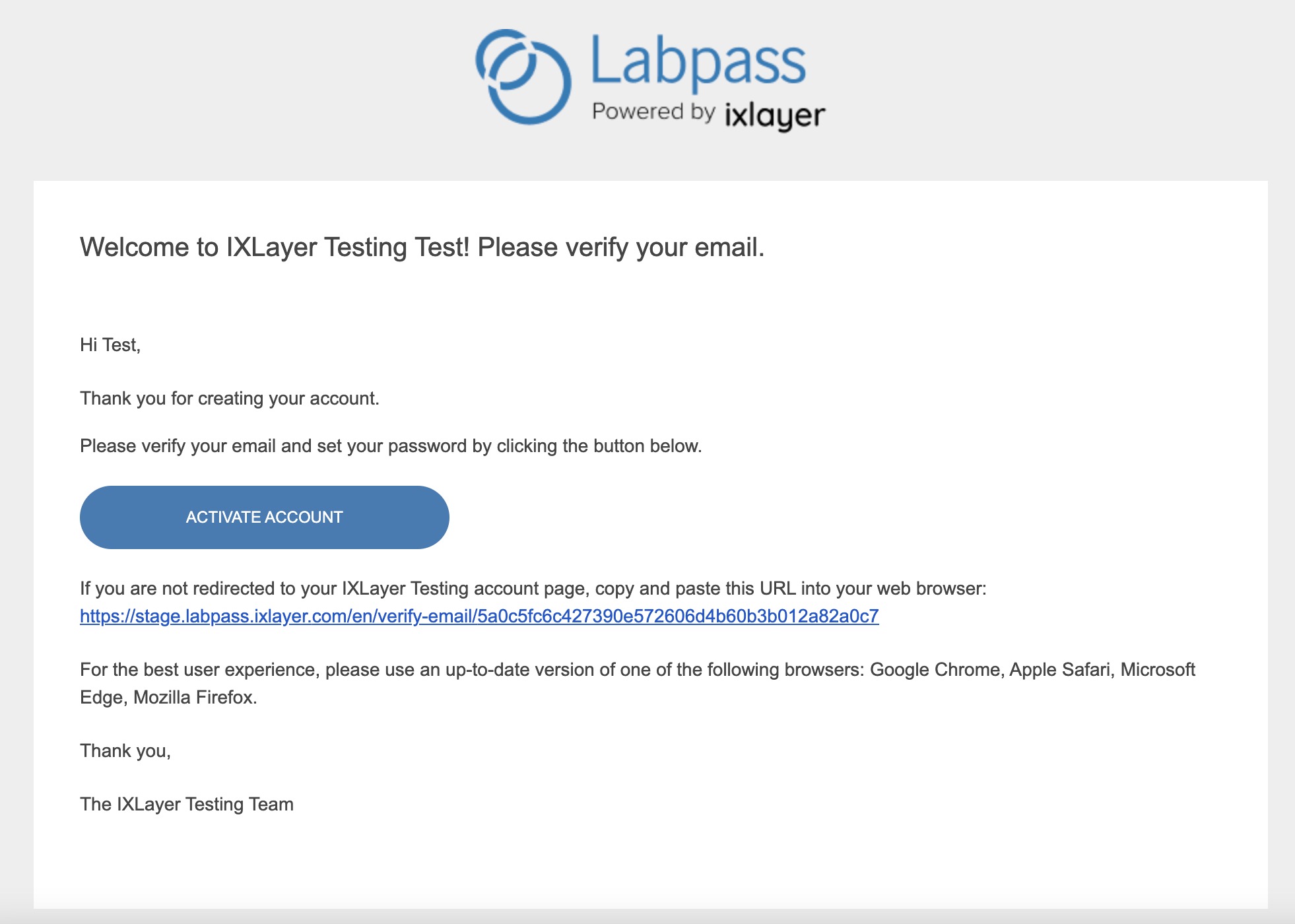
- Press Activate Account button from the link sent to you and you will start on the IX Layer website
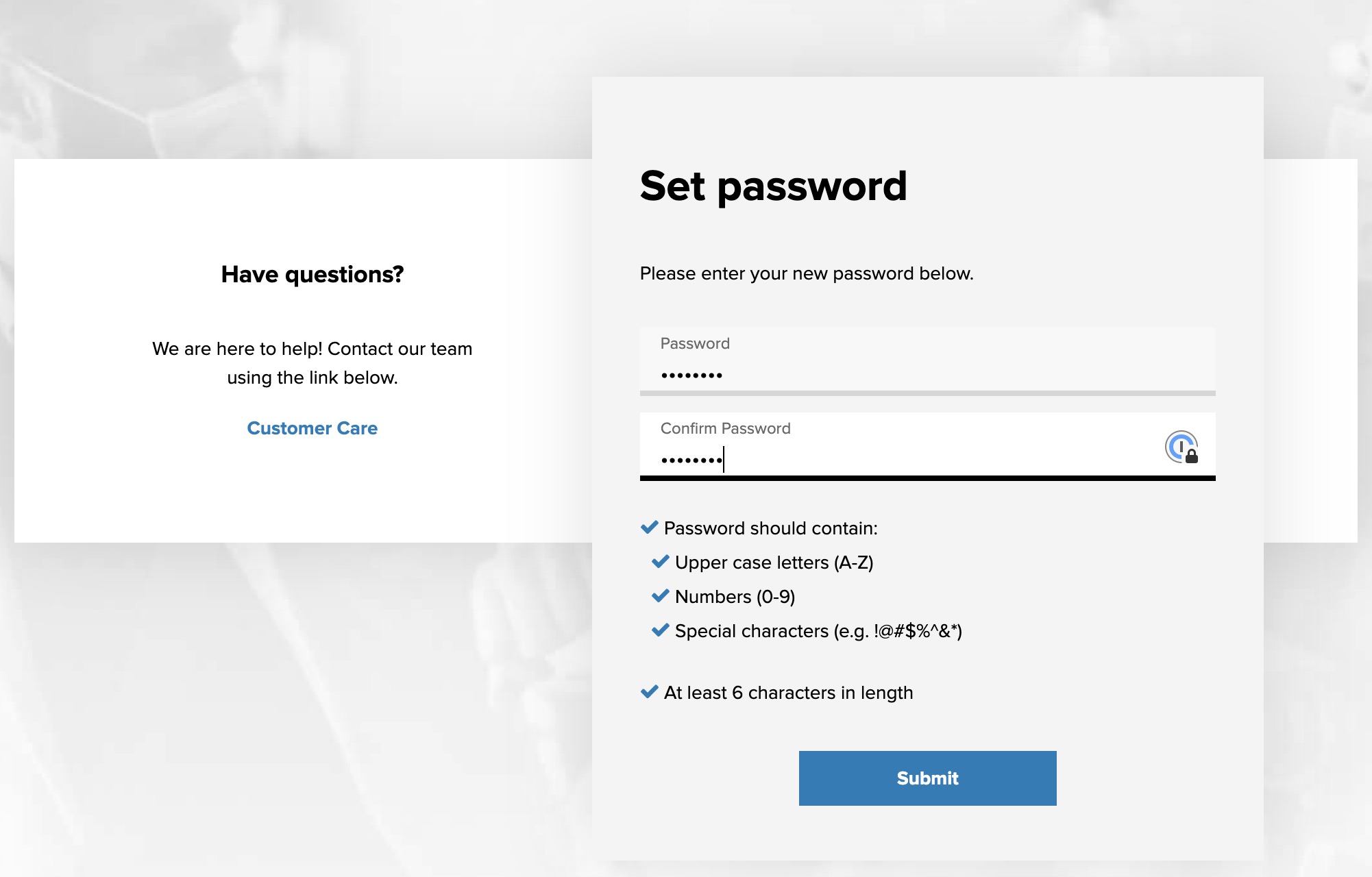
- Create a password (that is something you will remember!). Enter it twice then press the Submit Button
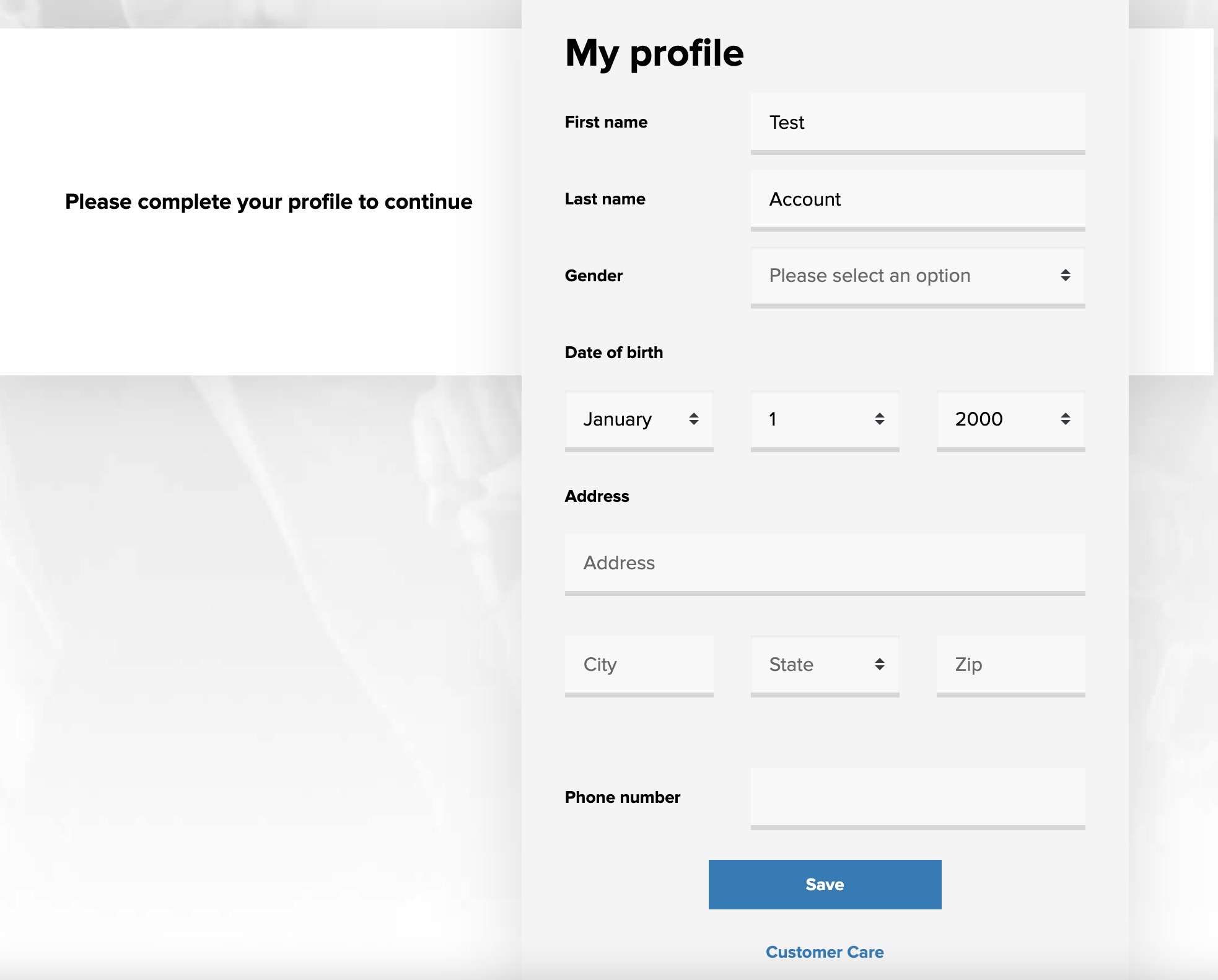
- Complete your profile (see Can I set up my Patient Profile on my own?). You can use either your home address or the Company Testing Site address; click the Save button.
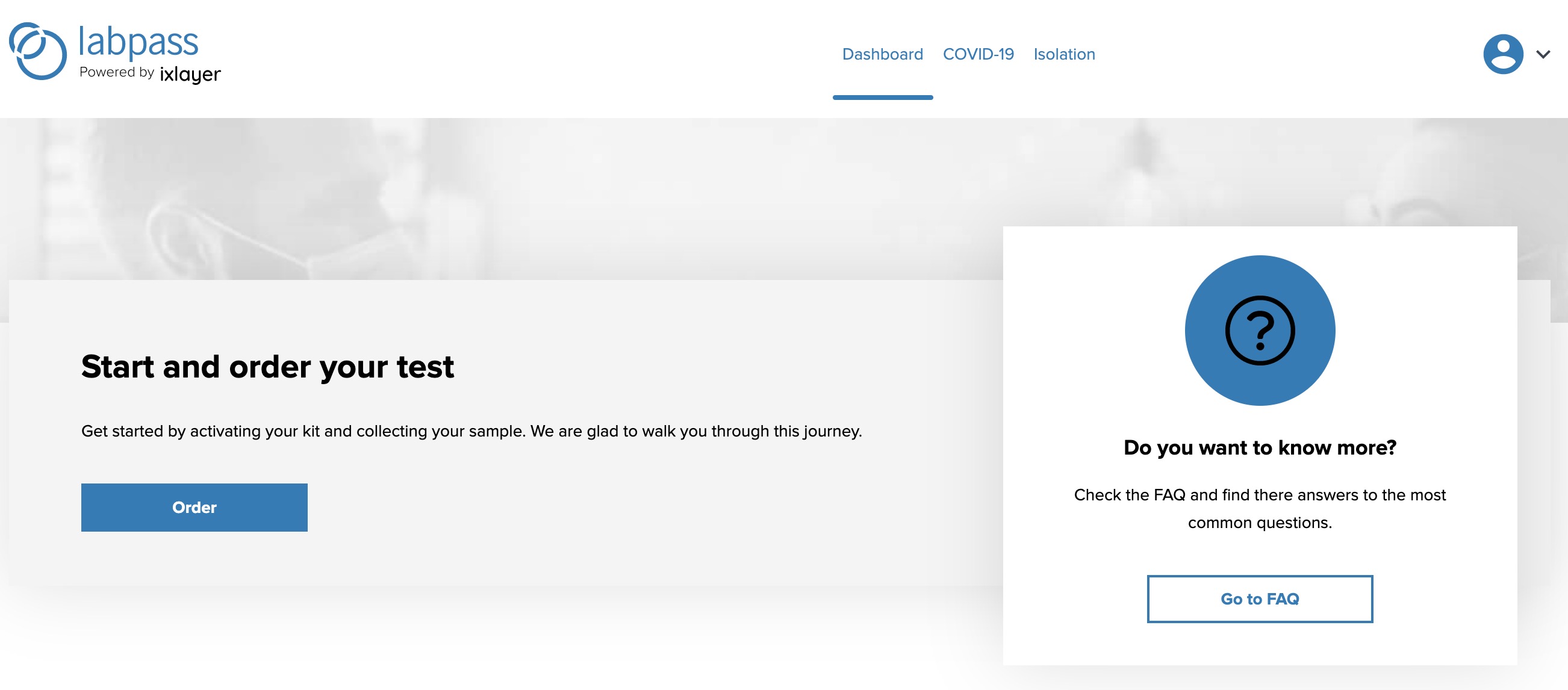
- Press the Order button to get started!
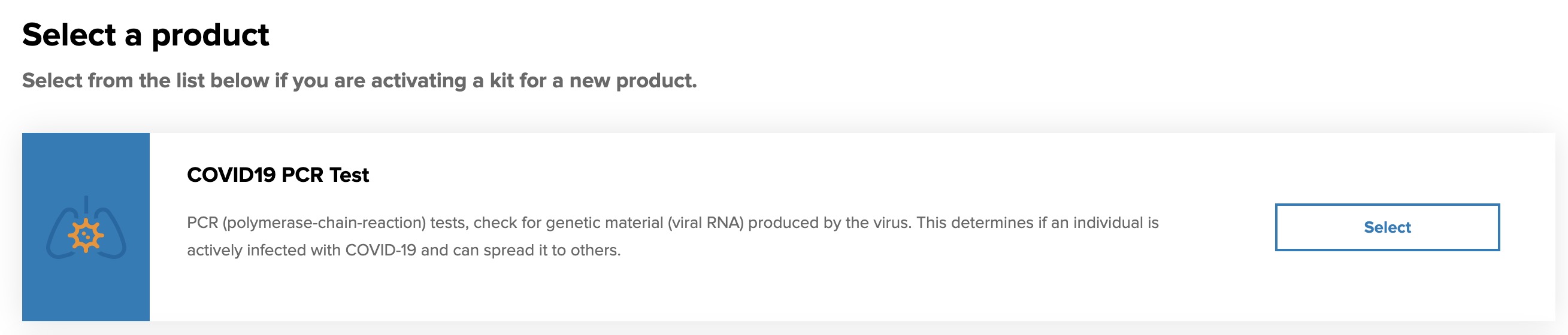
- Click the Select button next to test you are taking.
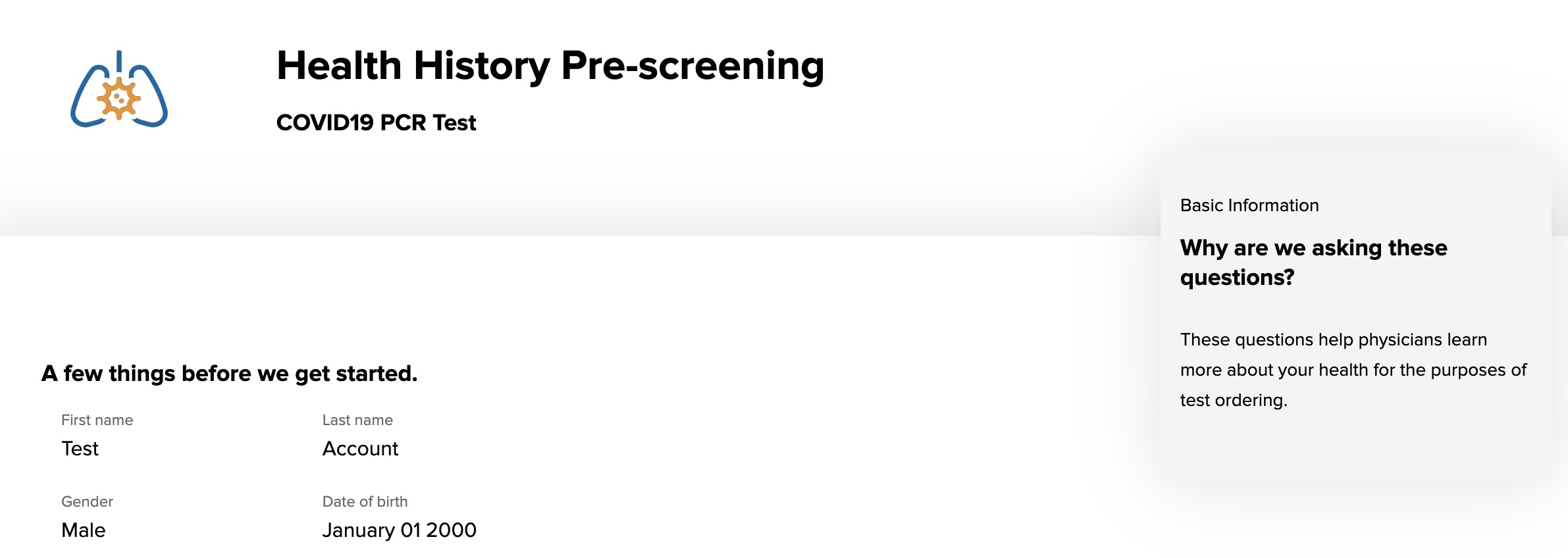
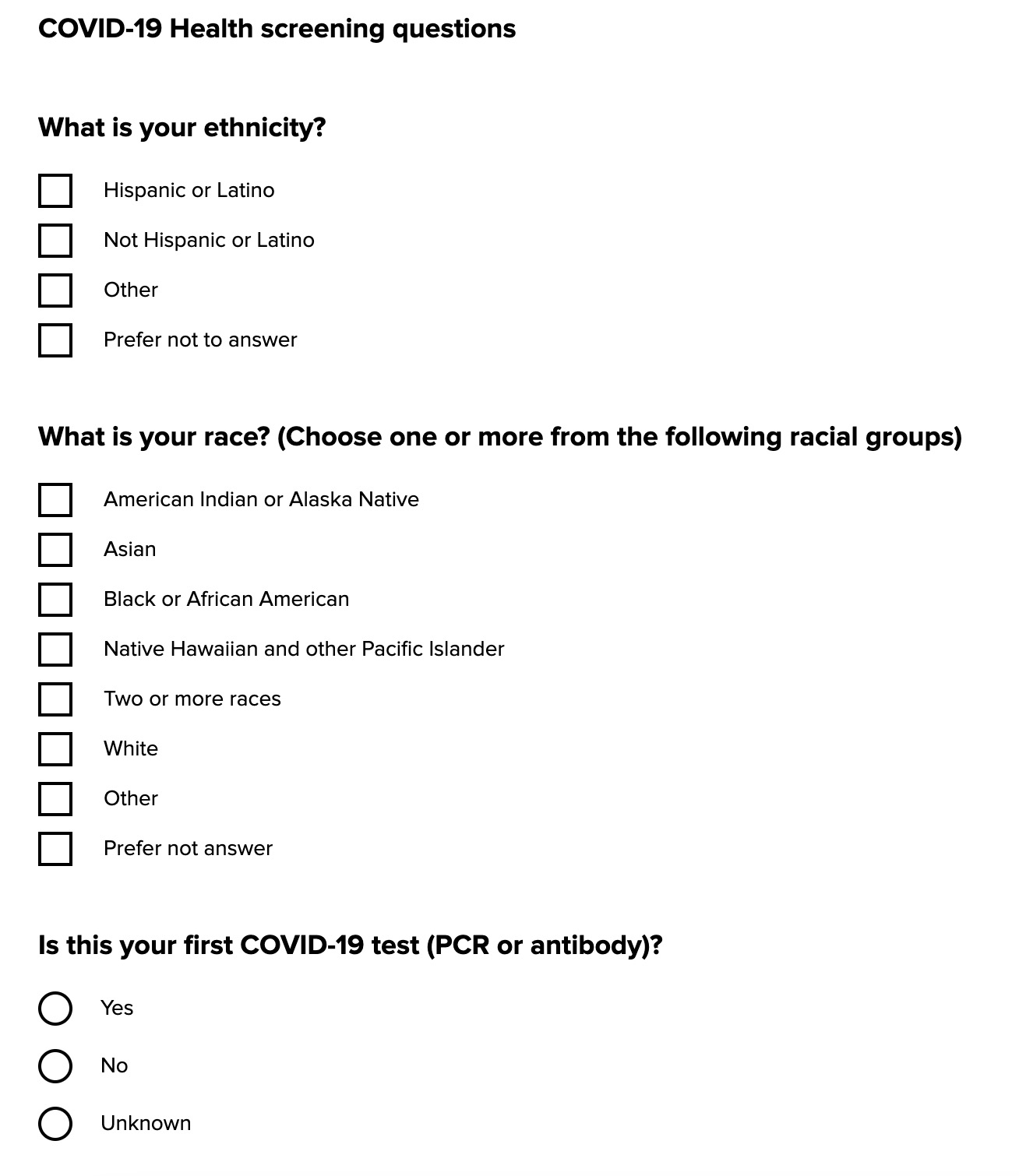
- Complete all fields on the Health History Pre-screening form.
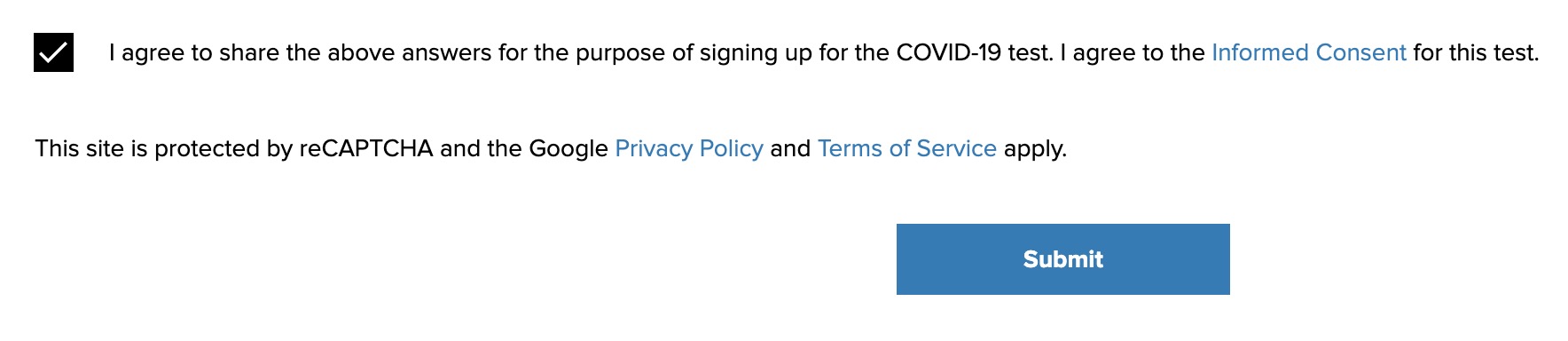
- Click on the checkbox and click on the Submit button; you may click on the Informed Consent link for further details.
- Your pre-screen process is complete!