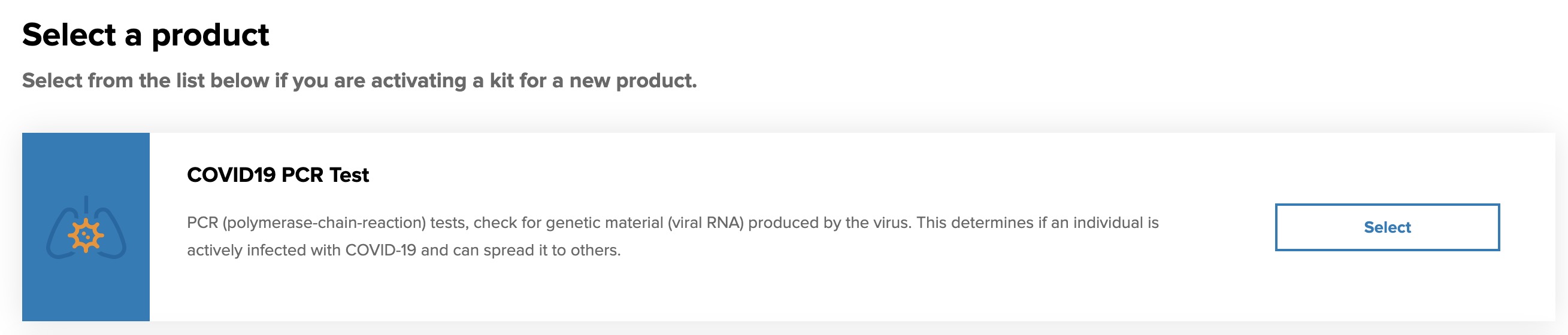
As you are getting ready to test, there are a few steps you can take.
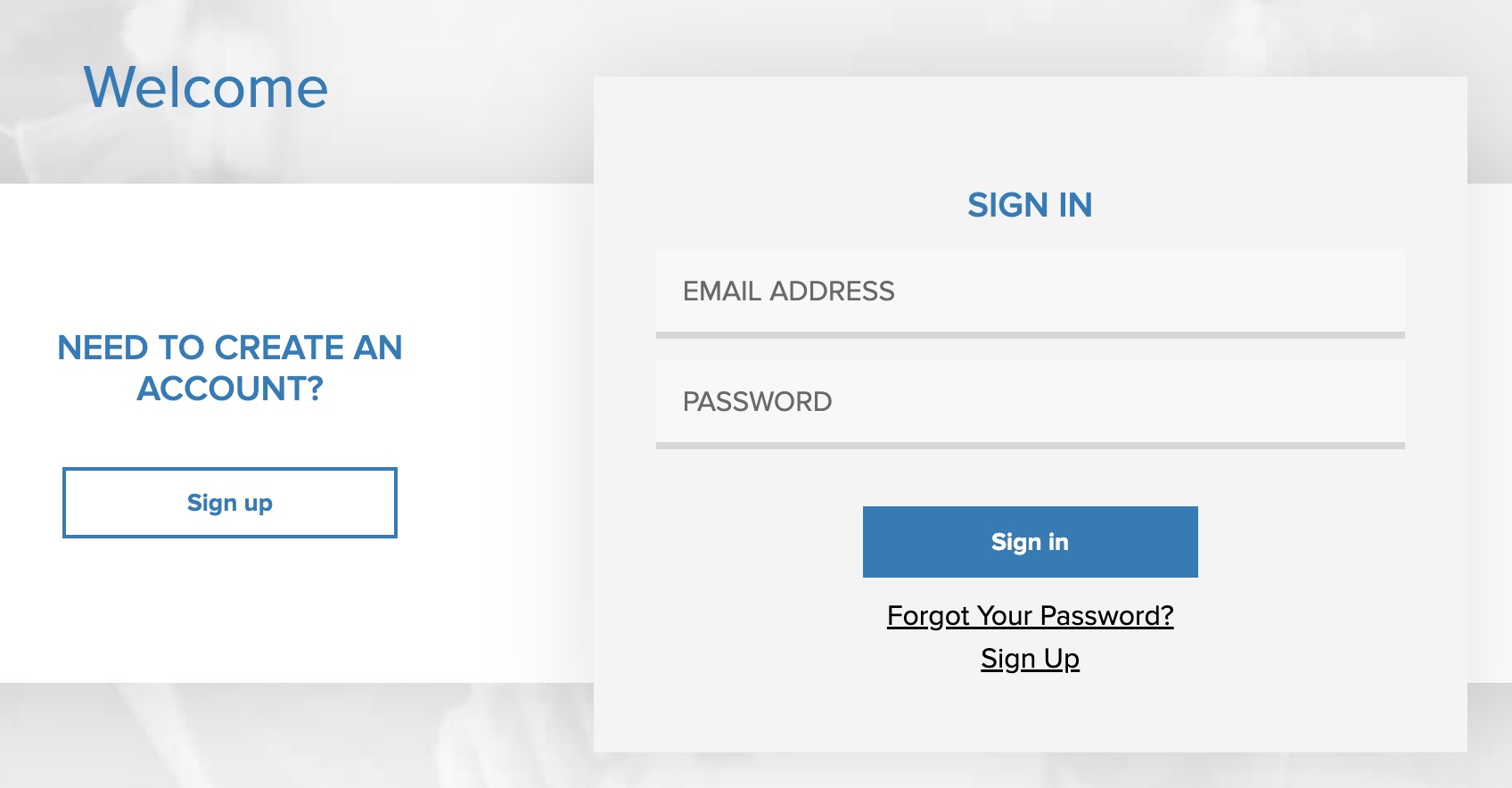
- Go to the Portal and press the Sign In button on the top right

- Enter your email address and password and press the Sign In button. If you need to reset your password, click on the Forgot Your Password link (see Oh no, I forgot my password!).
- Press the Order button then complete steps 4 through 7 from the Complete my Pre-Screen Article.