Creating a New Order for an Employee can be done in a few steps.
- Select New Order from the left menu then press the right arrow next to the Covid test to expand the window.
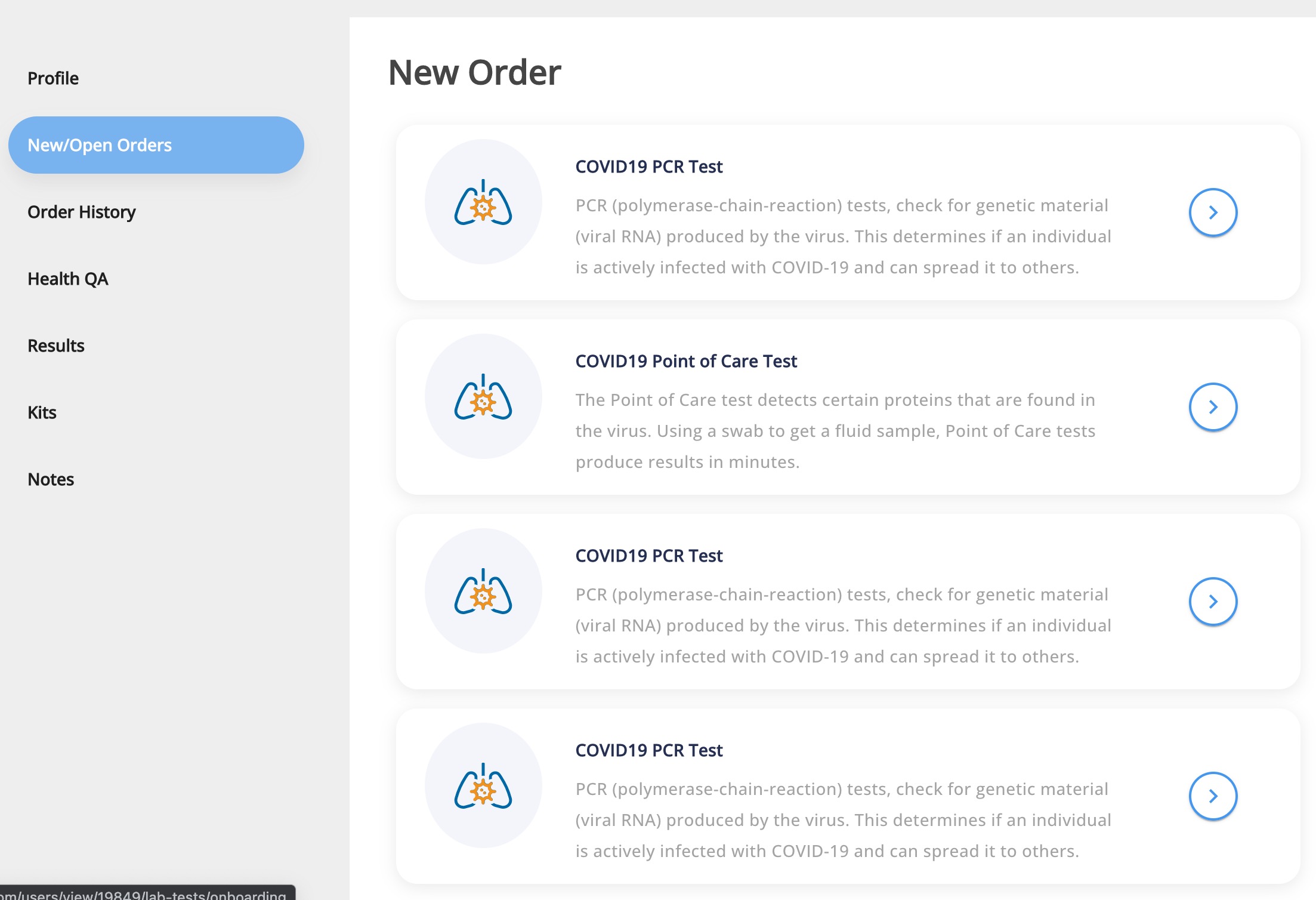
- Ask the employee the questions outlined below and fill out the Health History form.
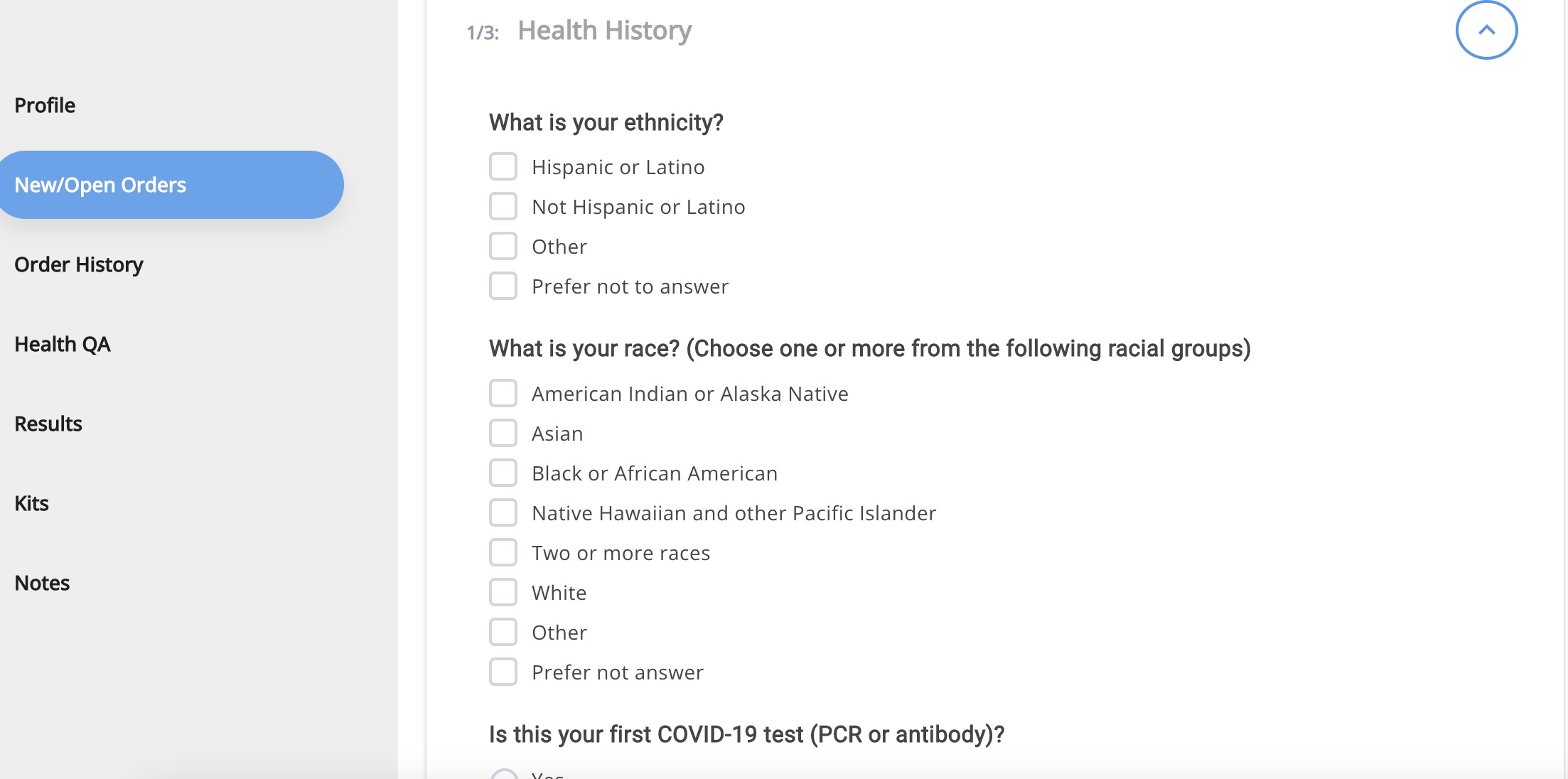
- Press Submit.
- Return to the following the other steps of Registering an Employee, starting with step 7 (expand the Kit Registration area): Register An Employee for a Test